
Help Center
How can we help?
Answers and step-by-step guides for everything in BIP Visualized.
60 articles13 topics18 video walkthroughs
Popular:
Browse by topic
Getting Started With BIP Visualized7 articles · 7 videosBIP Builder5 articles · 2 videosStrategies3 articles · 2 videosResources4 articles · 2 videosSettings3 articles · 1 videoAccount & Login8 articlesPlans & Billing12 articles · 2 videosCourses & CEUs3 articles · 1 videoRBT 40-Hour Course4 articles · 1 videoBCBA Supervision Curriculum1 articleTeams & Organizations3 articlesSchools & Purchasing3 articlesTroubleshooting4 articles
Video walkthroughs
Watch how it works, step by step.
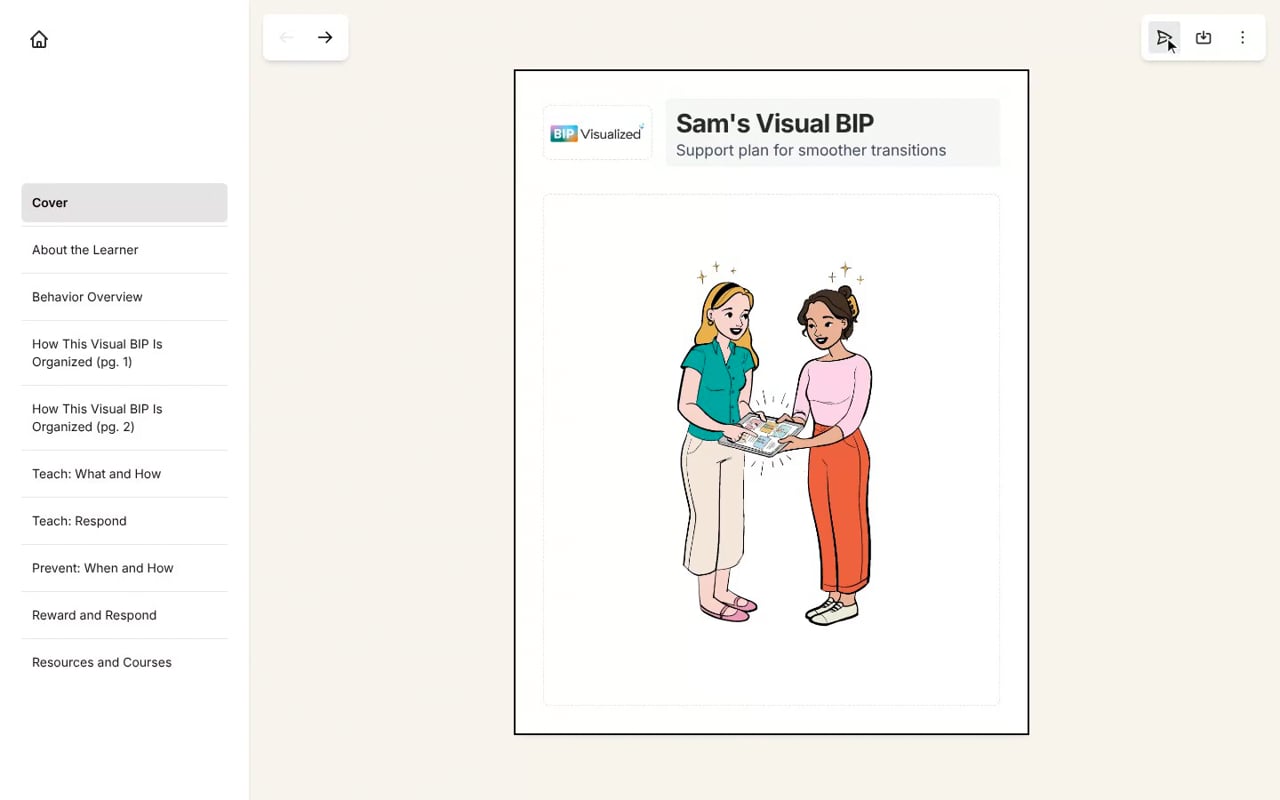
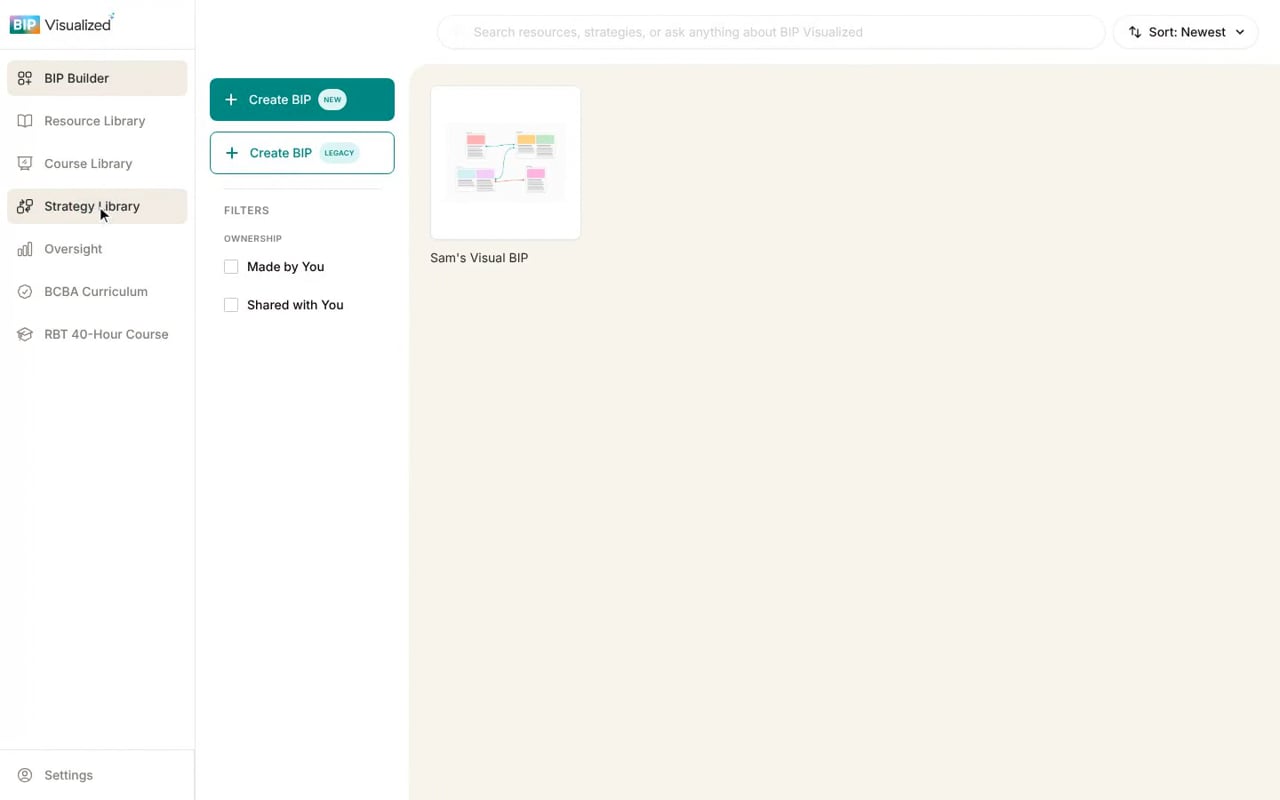
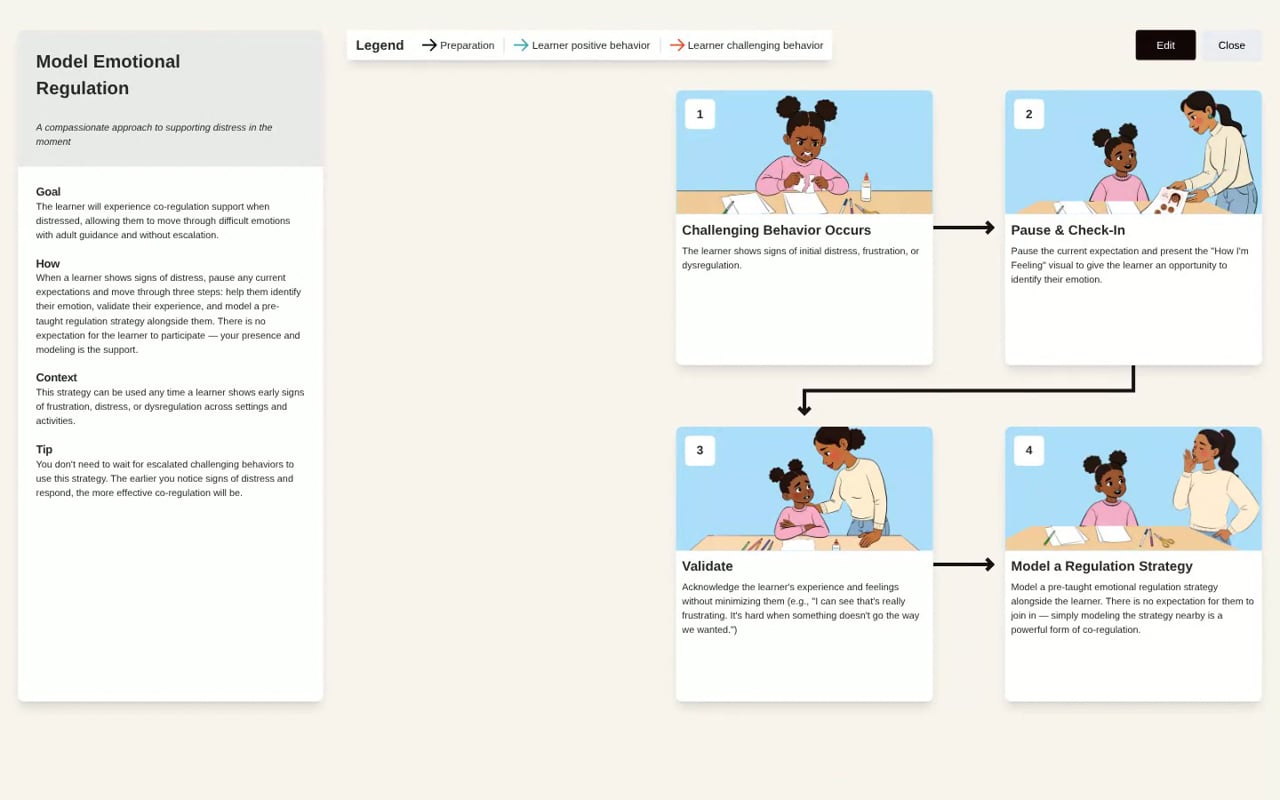
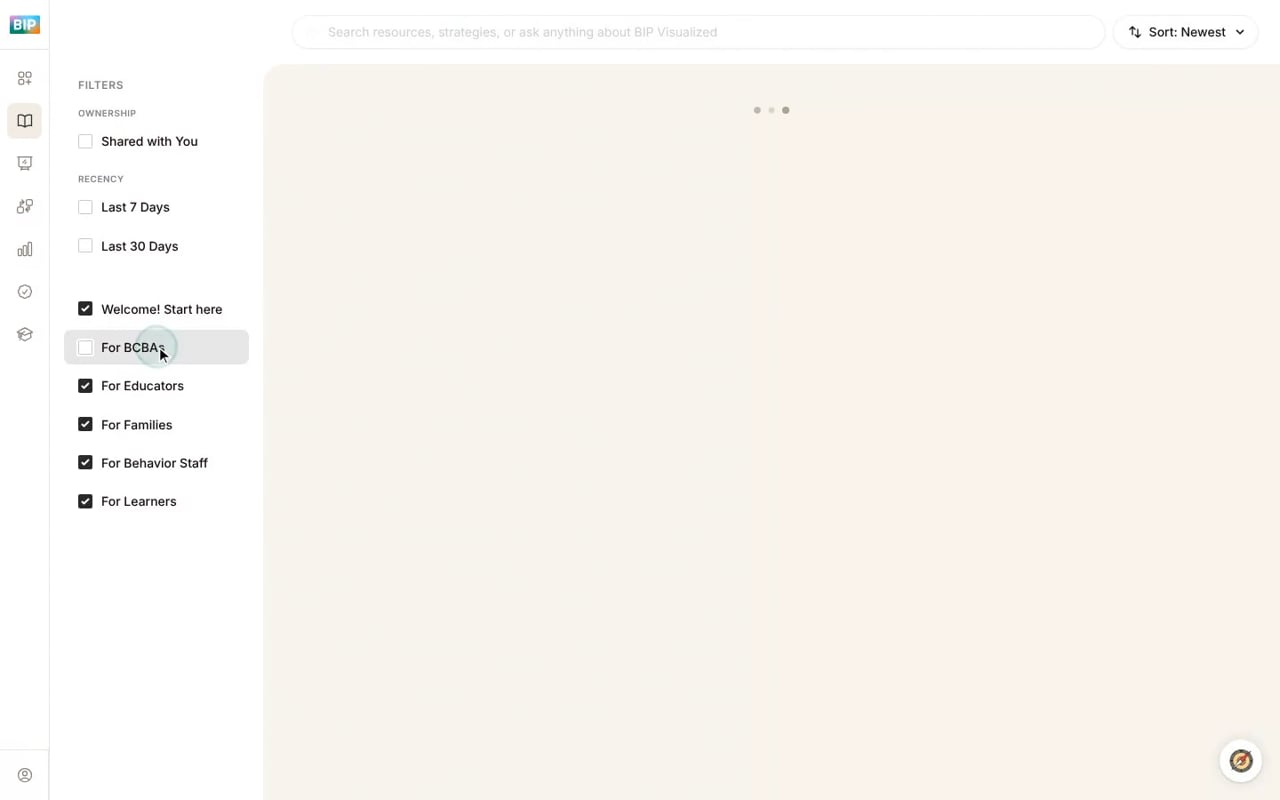
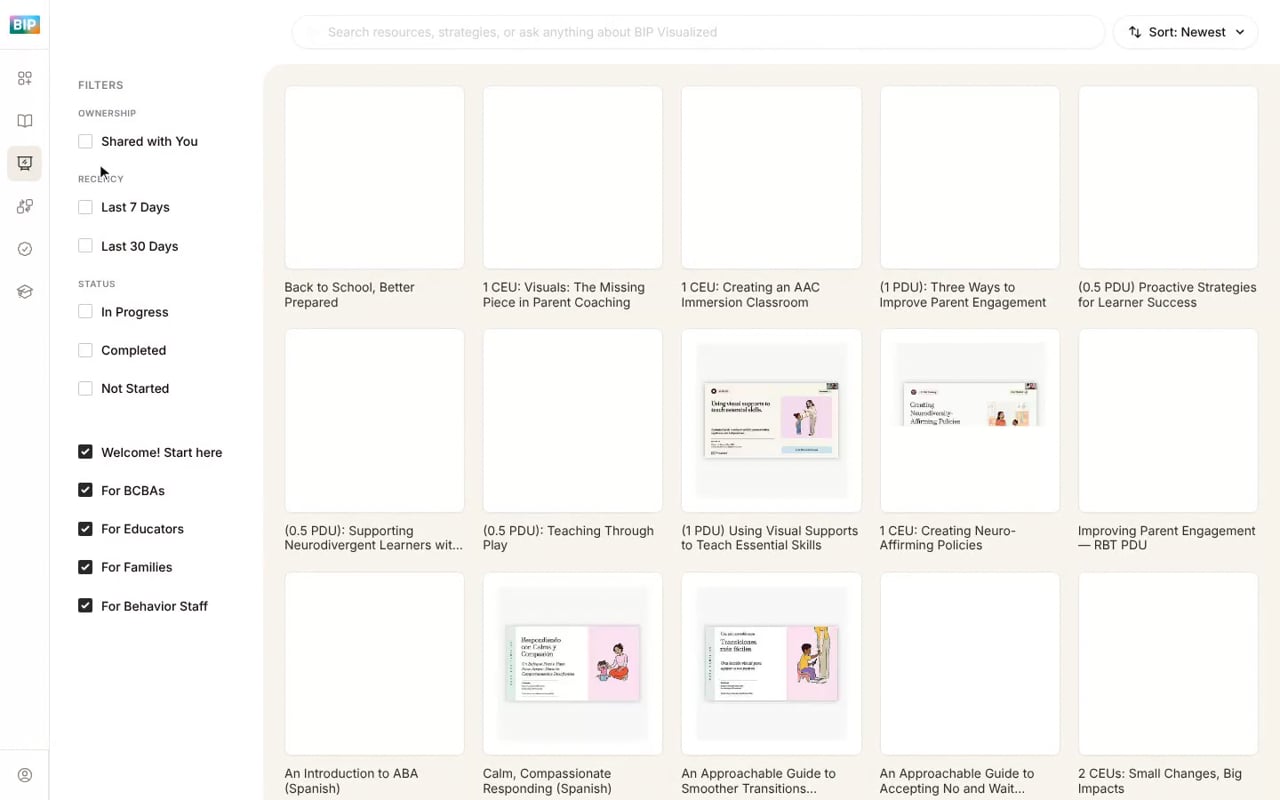
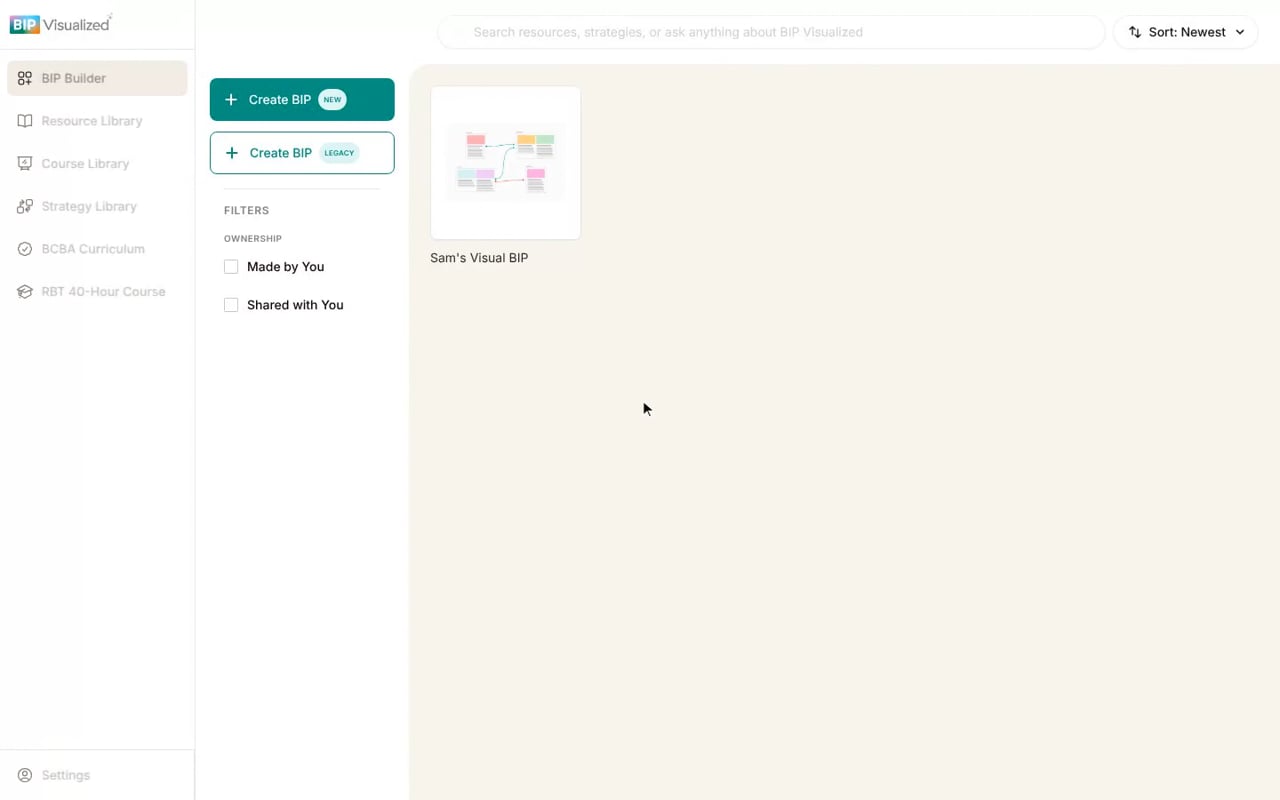
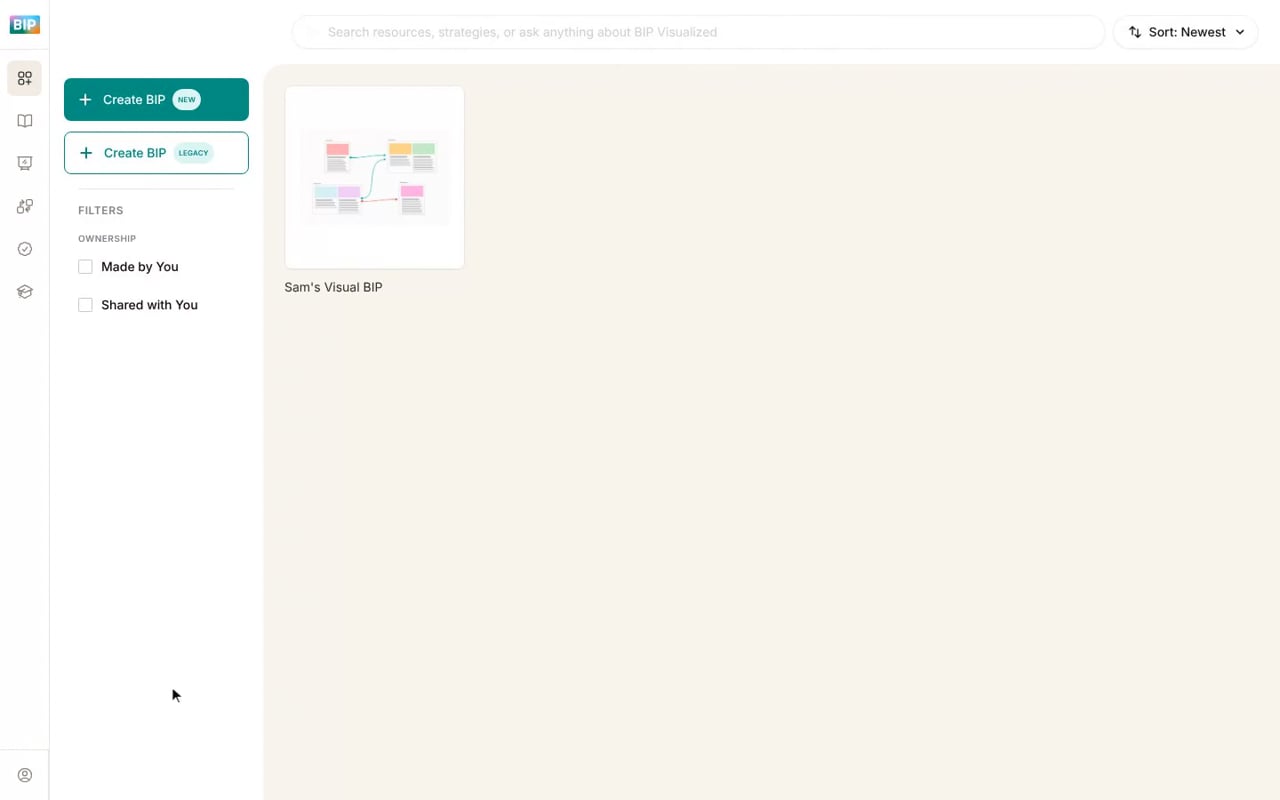
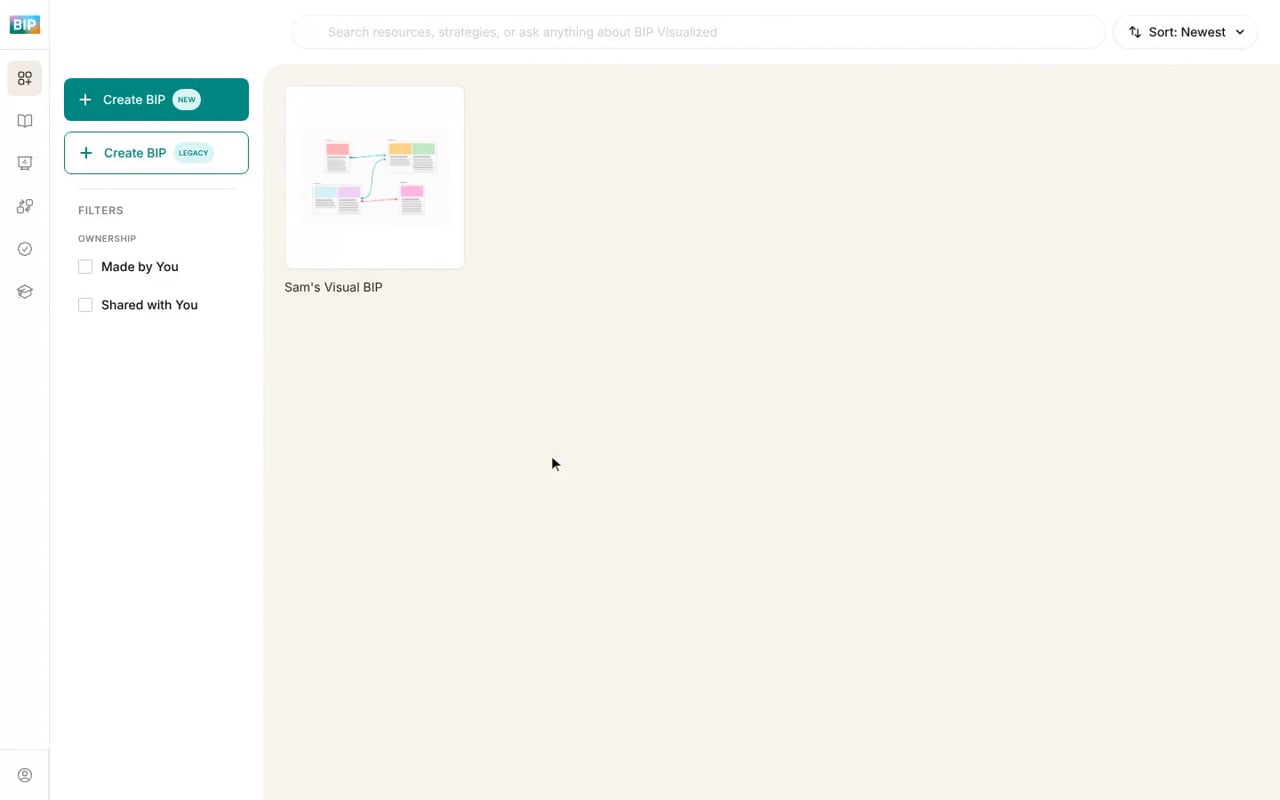
All articles
Getting Started With BIP Visualized
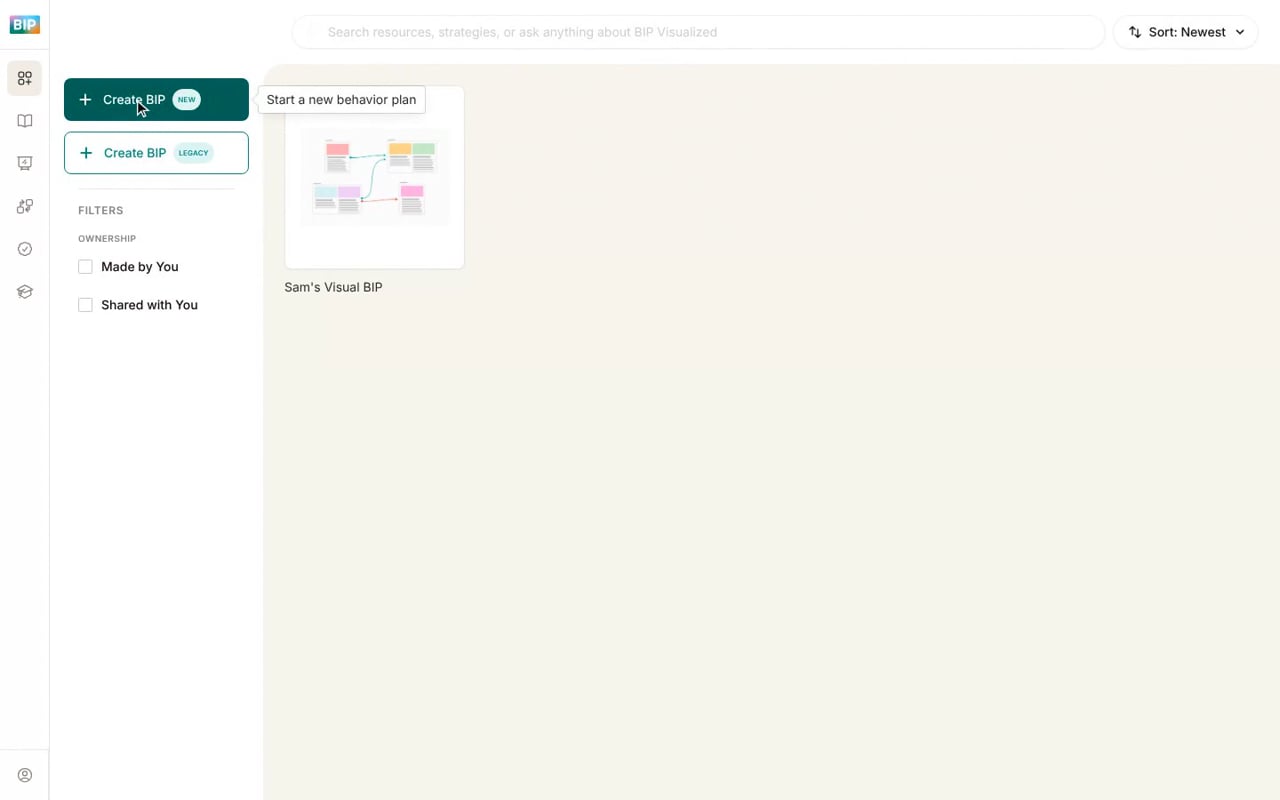
View topic →- Find your way around BIP VisualizedA quick tour of the sidebar, search, settings and help.Video
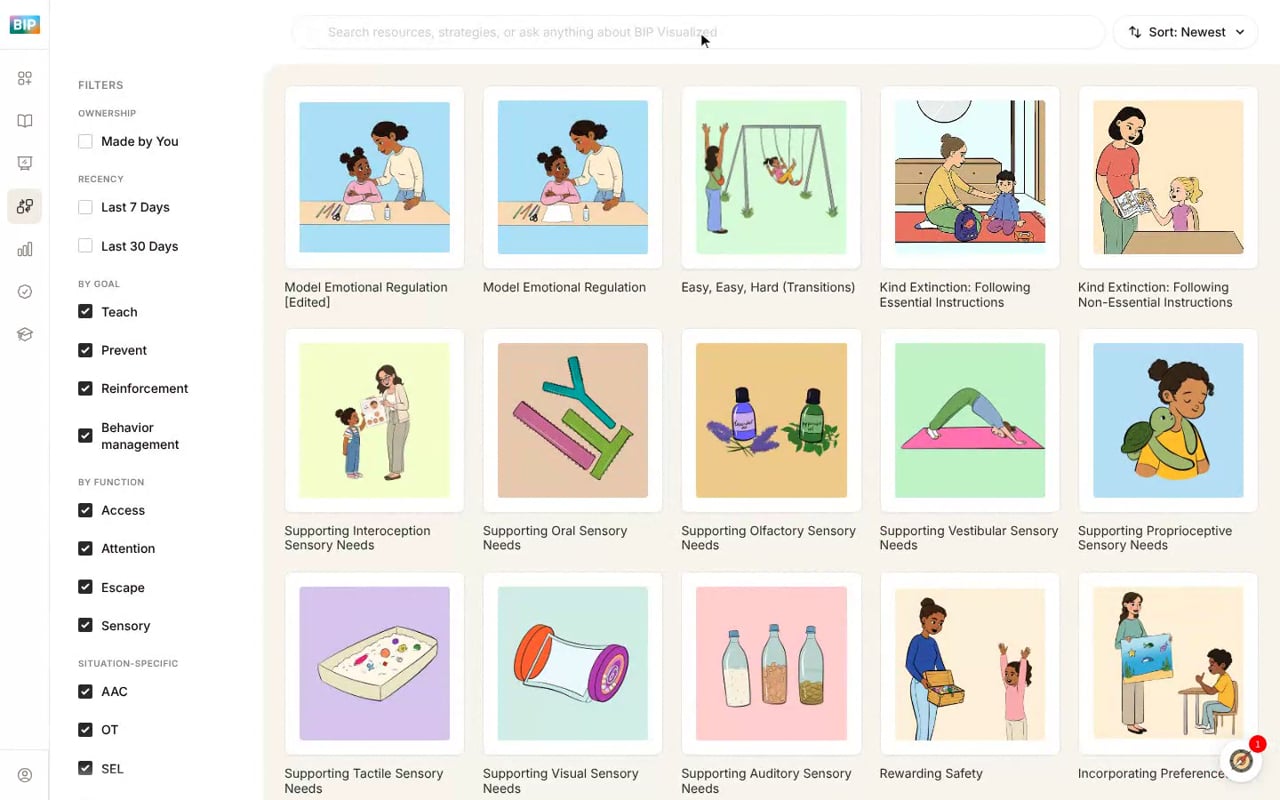
- Search for content with NaviUse the search bar at the top of the app to find strategies, resources and courses on any topic, or ask a question.Video
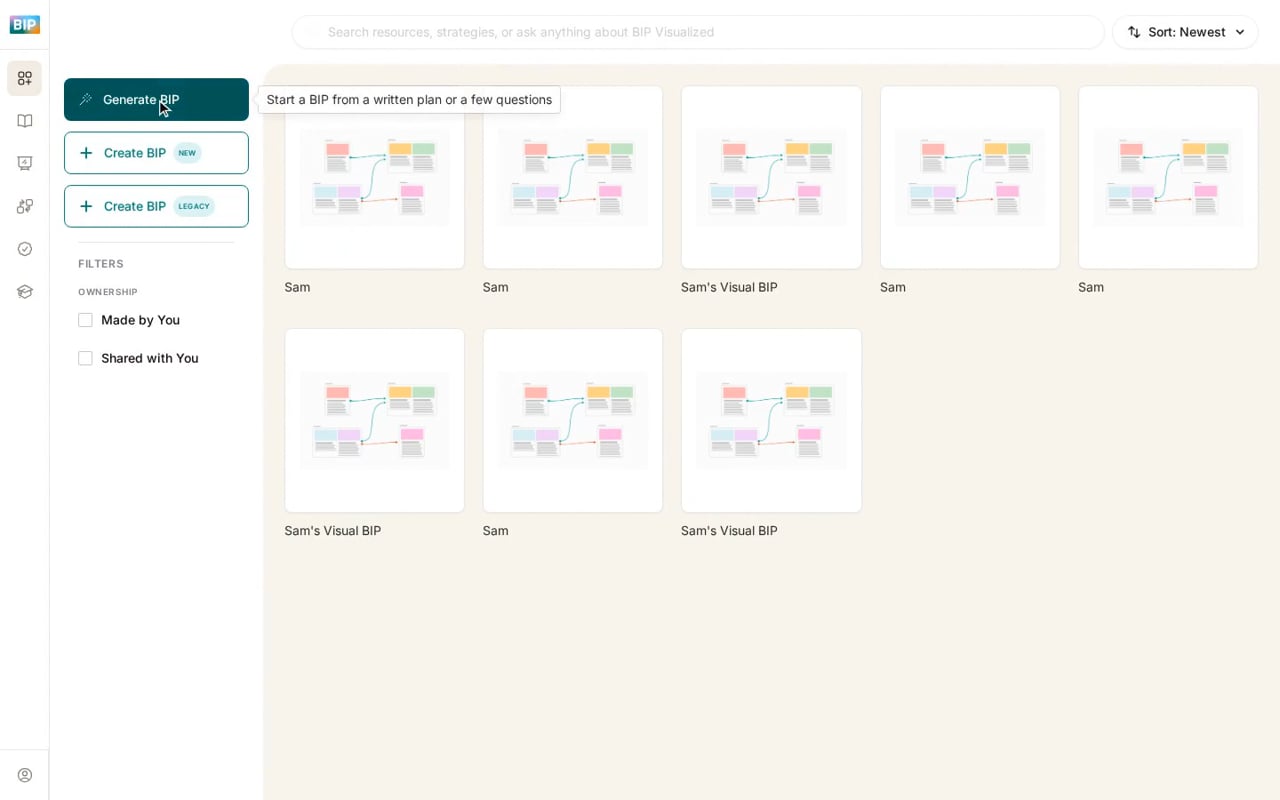
- Generate a BIP from a written BIPUpload or paste your written BIP and the BIP Generator turns it into a visual BIP.Video
- Generate a BIP by answering 12 questionsNo written BIP yet? Answer 12 short questions and the BIP Generator builds a visual BIP.Video
- Create a visual BIP, step by stepBuild a visual Behavior Intervention Plan page by page in the BIP Builder.Video
- Add and customize strategies in your BIPPick strategies for each step of your BIP and tailor their text and images to your learner.Video
- Customize a strategy and save your own copyMake your own copy of a strategy: change the title, description, thumbnail, details and each step, with AI images.Video
BIP Builder
Learn how to create, manage, and share Behavior Intervention Plans in BIP Visualized.
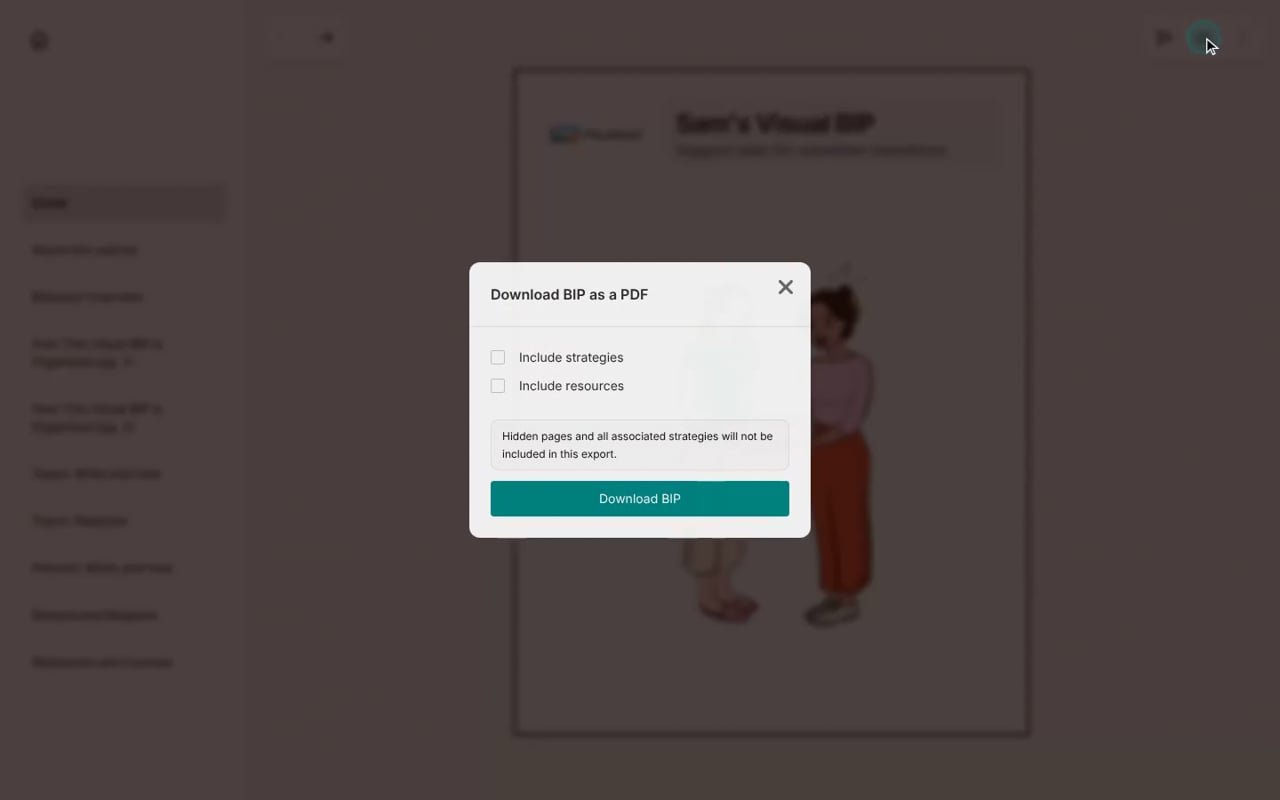
View topic →- Download or print your BIPSave your BIP as a PDF, choose what to include, and print single pages.Video
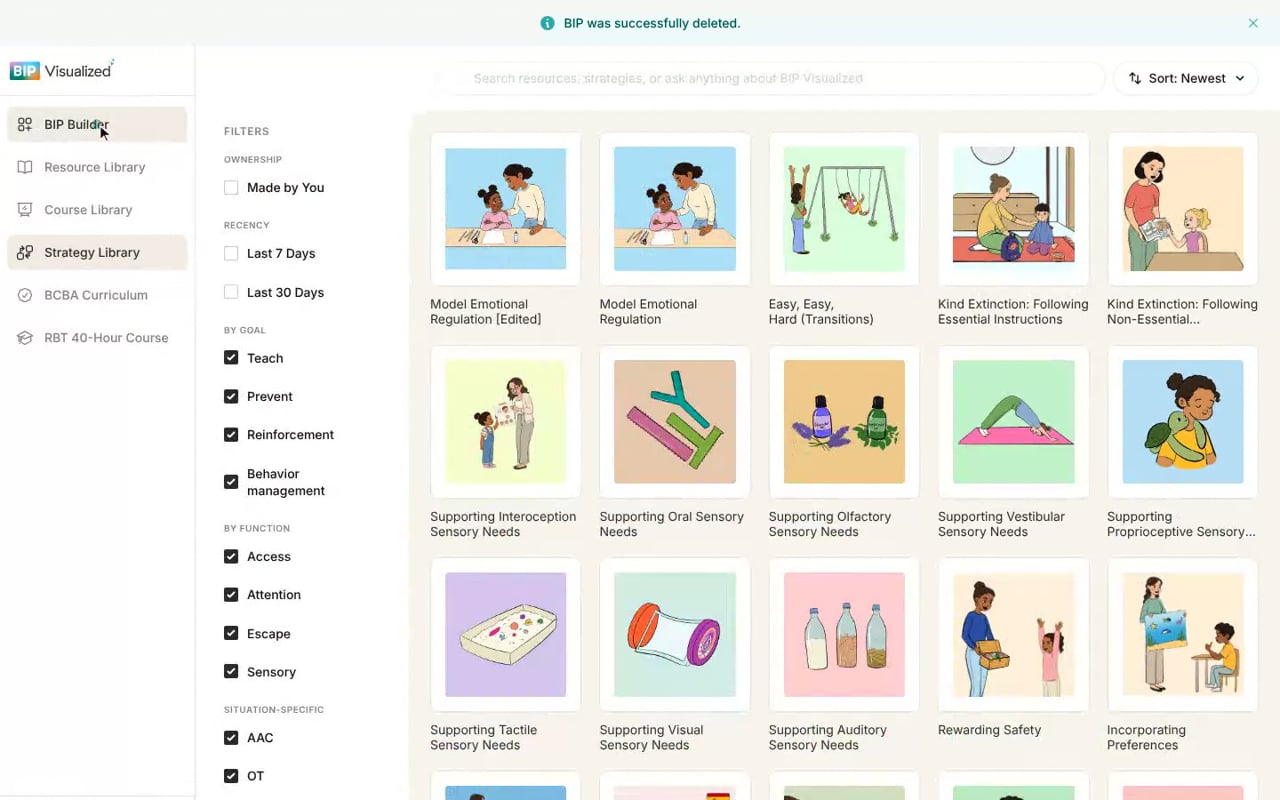
- Share a BIP with your teamSend a BIP to parents, teachers and staff by email.Video
- Add resources and courses to your BIPAttach handouts and trainings to the last page of your BIP so parents and staff have everything in one place.
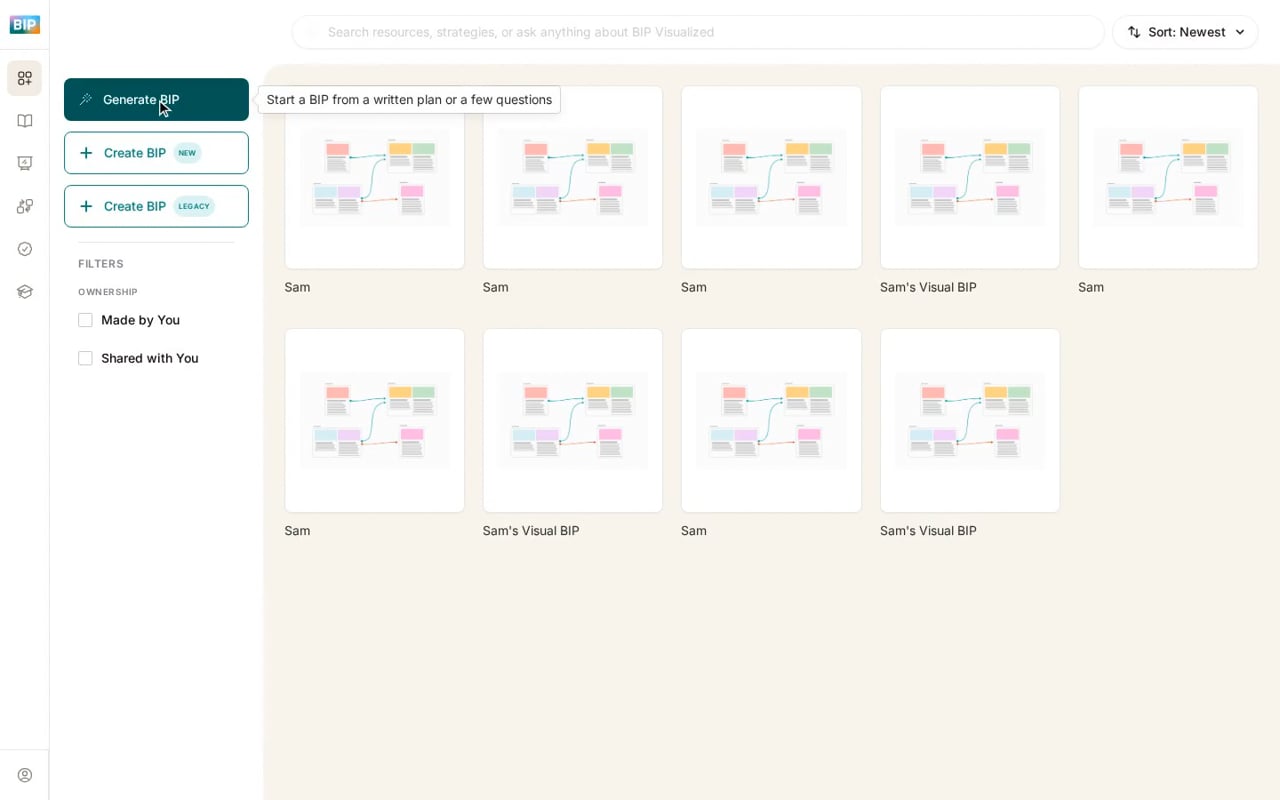
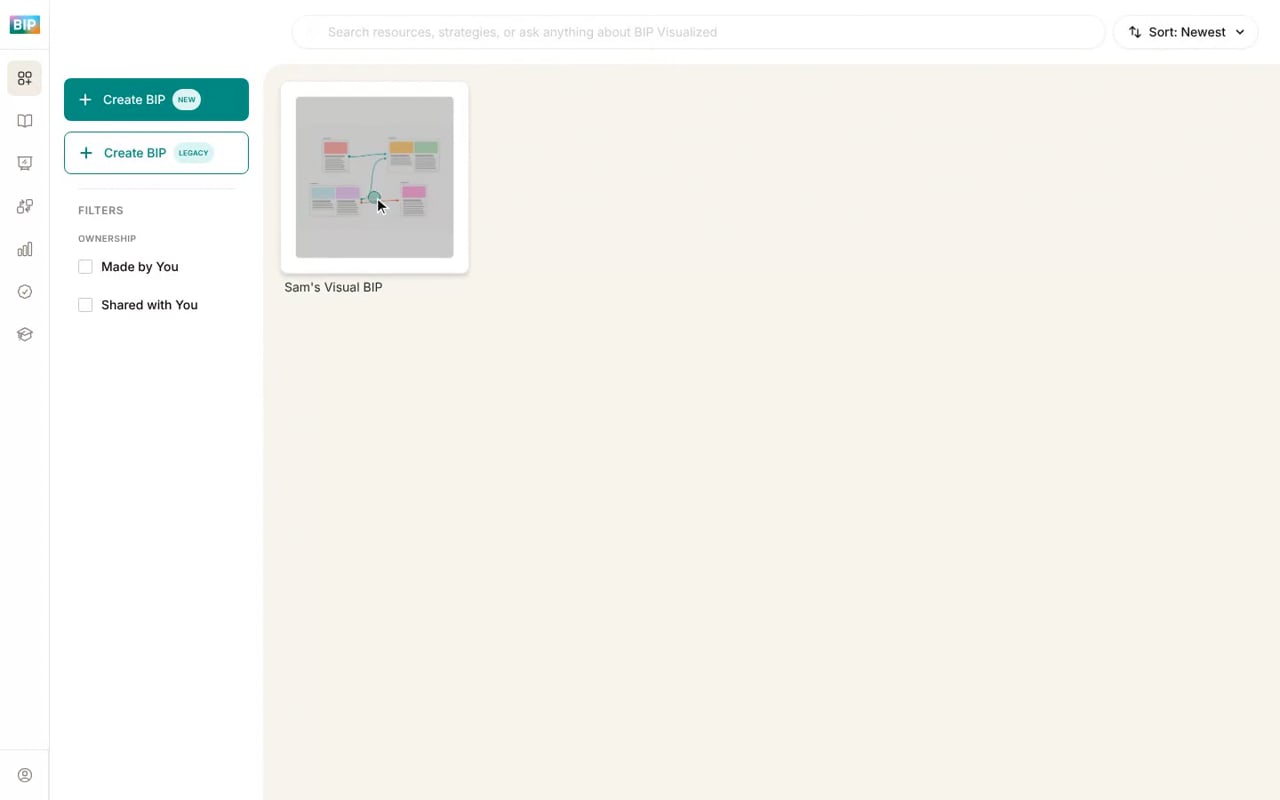
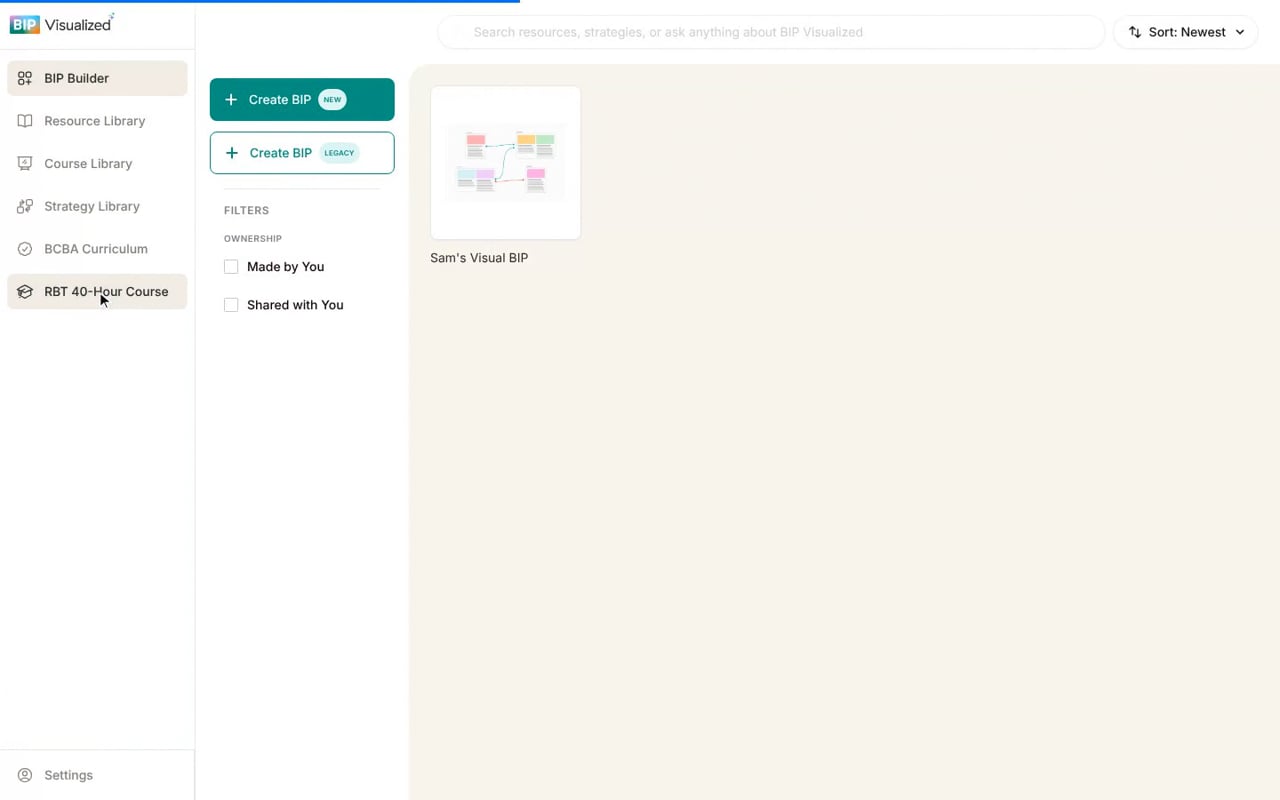
- Find, rename or delete a BIPFind your BIPs, rename them and delete ones you no longer need.
- The Legacy BIP editorHow the classic one-page BIP editor works and how it differs from the new editor.
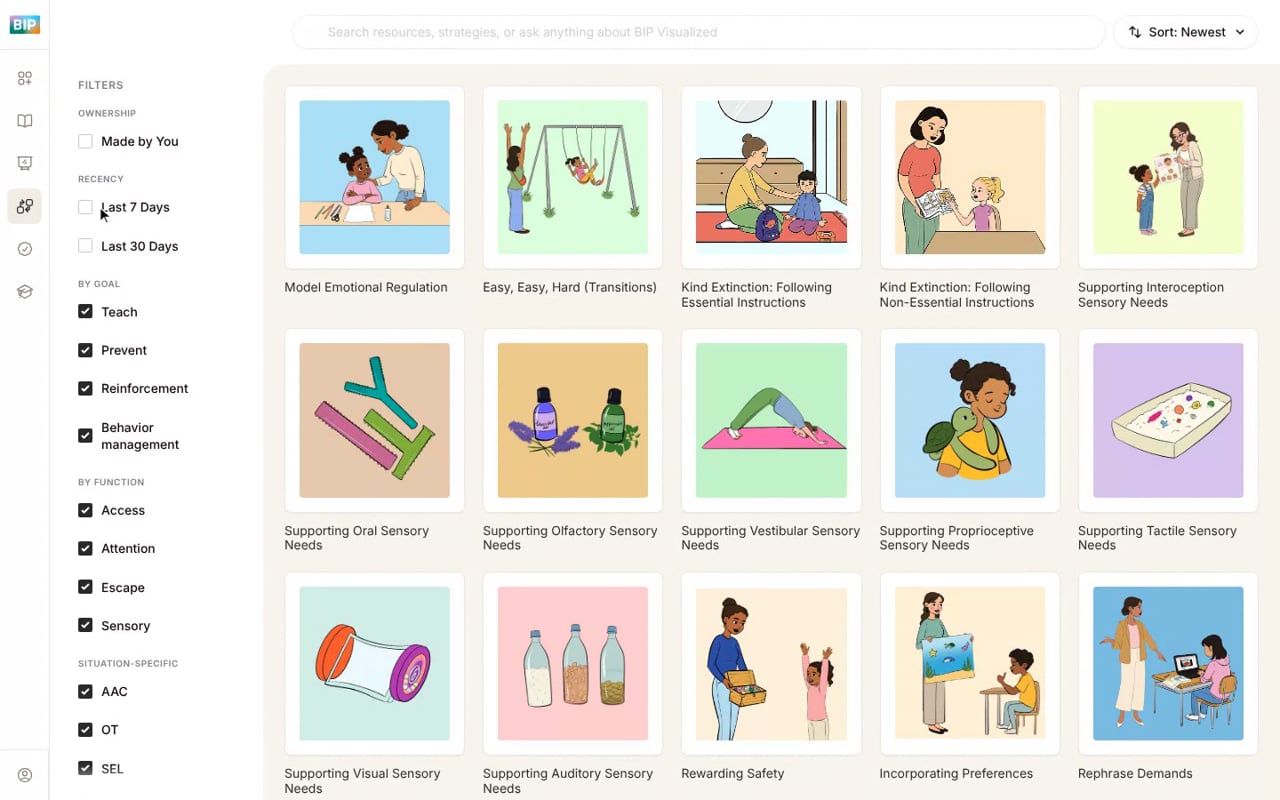
- Find the right strategy with filtersUse goal, function and situation filters to narrow down the Strategy Library.Video
- Create images with the AI image generatorGenerate a custom picture of a learner for a strategy, BIP cover or thumbnail.Video
- Download or print a strategySave a single strategy as a one-page PDF to print or hand out.
Resources
Explore the professional learning materials — PDFs and courses — available in BIP Visualized.
View topic →- Find and download resourcesBrowse the Resource Library, filter by audience and download PDFs.Video
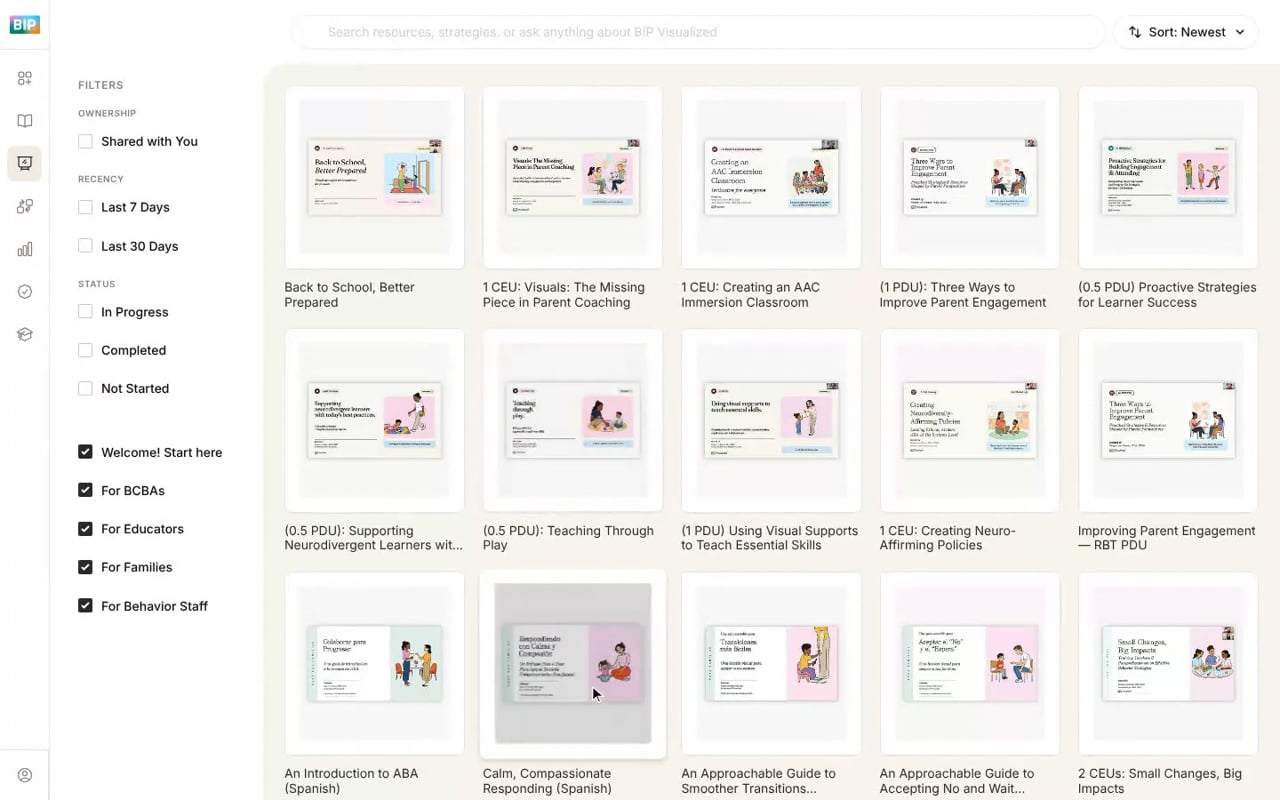
- Find and start a courseBrowse the Course Library, watch a course and track your progress.Video
- Why is a resource, strategy or course locked?What the small crown means, which plan unlocks what, and what to do if something stays locked after you upgrade.
- Images missing or text cut off when printing a PDFFix blank images, missing icons and cut-off text in downloaded resources.
Settings
Manage your account profile, password, billing, team members, and support options.
View topic →- Reset or change your passwordReset a forgotten password, or change your password while logged in.
- Sign in with GoogleLog in with your Google account, connect Google to an existing account, or log in without Google.
- Add and remove people on your teamTeam admins add and remove users in Team settings, up to the number of seats in your subscription.Video
Account & Login
Signing up, logging in, verification codes, passwords and your account email.
View topic →- Create your free accountSign up for BIP Visualized with your email or Google account and confirm your email address.
- Not receiving your verification code or confirmation emailWhat to do when the 6-digit login code, confirmation link or password reset email does not arrive.
- Two-factor authentication (login codes)Why we ask for a code when you log in, and how to get it by email or text message.
- Get your login codes by emailSwitch your two-factor codes from text message to email. Email codes work in every country.
- Change your login email (or move to a new job)Update the email on your account, and what to do if you no longer have access to your old email.
- This email is already in useWhat it means when sign-up says your email already has an account.
- Your phone number is linked to another accountWhat "Mobile number cannot be used" means, and what to do if you have two accounts.
- Delete your accountPermanently delete your BIP Visualized account and data.
- Plans compared: Free, Pro and TeamsWhat you get on each plan, and which plan you need for the 40-hour RBT training and the BCBA Supervision Curriculum.
- Upgrade to ProMove from the free plan to Pro Monthly or Pro Yearly.
- Use a promo or discount codeWhere to enter a code when you upgrade, and what to do if it does not work.
- Cancel your subscriptionCancel Pro Monthly or Pro Yearly. You keep access until the end of the period you paid for.Video
- I can't cancel my subscriptionWhat to do when the cancel button doesn't work, you can't log in, or your plan is on a team.
- Check that your subscription is cancelledSee your plan status, when access ends, and whether you will be charged again.
- Why was I charged?The common reasons for a charge: automatic renewal, switching to yearly, or adding a team member.
- Refund policyWhen we refund monthly, yearly and team plans, and how to ask.
- Find your receipts and invoicesDownload receipts and invoices for your Pro subscription.Video
- Switch between monthly and yearlyChange Pro Monthly to Pro Yearly or back.
- I switched to yearly by accidentHow to get the yearly charge refunded and go back to monthly.
- Update your card or billing detailsChange the card we charge, your billing address or tax ID.
- Get your CEU or PDU certificateTake the test after a CEU or PDU course and receive your certificate by email.
- Share a course with your team for freeSend a course to staff, teachers or parents. They watch it free, without a paid account.Video
- Open a course someone shared with youAccept a shared course or training and find it in your account.
RBT 40-Hour Course
Sharing the 40-hour RBT training, tracking progress and earning the certificate.
View topic →- The RBT 40-Hour Course: how it worksWhat is in the 40-hour RBT training, who can use it, and how trainees earn their certificate.
- Share the RBT 40-Hour Course with traineesInvite new RBTs to the 40-hour training, manage your invites and track their progress.Video
- Track trainee progress in OversightSee each trainee's progress and certificate downloads on the Oversight dashboard.
- Get your RBT 40-hour training certificateFor trainees: when the certificate unlocks, how to generate it, and what it shows.
- Add seats or replace a team memberSwap a seat to a new person when staff change, or get more seats.
- Team admins and rolesWhat admins and members can do, and how to change the main admin.
- I joined a team but see pricing plans or a paywallFix team members who see "Upgrade" or locked content after being added to a paid team.
- Buying for a school district or organizationHow to get a quote, pay with a purchase order, and get set up.
- W-9, vendor forms and security questionnairesGet the documents your district or organization needs to set us up as a vendor.
- Paying an invoice and sending it to accounts payablePay a team or district invoice by card, bank transfer or check, and forward it to the right person.
- Videos will not playFix course videos that do not load, usually caused by a school or company network.
- Page will not load or shows "Application error"Quick fixes when a page is blank, slow or shows an error message.
- Contact support or request contentAsk a question, report a problem or request new content.
- Is this email really from BIP Visualized?The addresses we send from, so you can tell real emails from fake ones.
Still need help?
Ask Navi from the help bubble inside the app, email us, or book a call and we will walk through it with you.